
Scope the project before committing to site work
Rack-and-stack engineers for Manchester projects
Install to an approved rack plan, with a clear remote handover
Remote technical teams need more than confirmation that the equipment arrived. Set out the rack positions, connections and evidence required before installation begins.
Scope the project before committing to site work
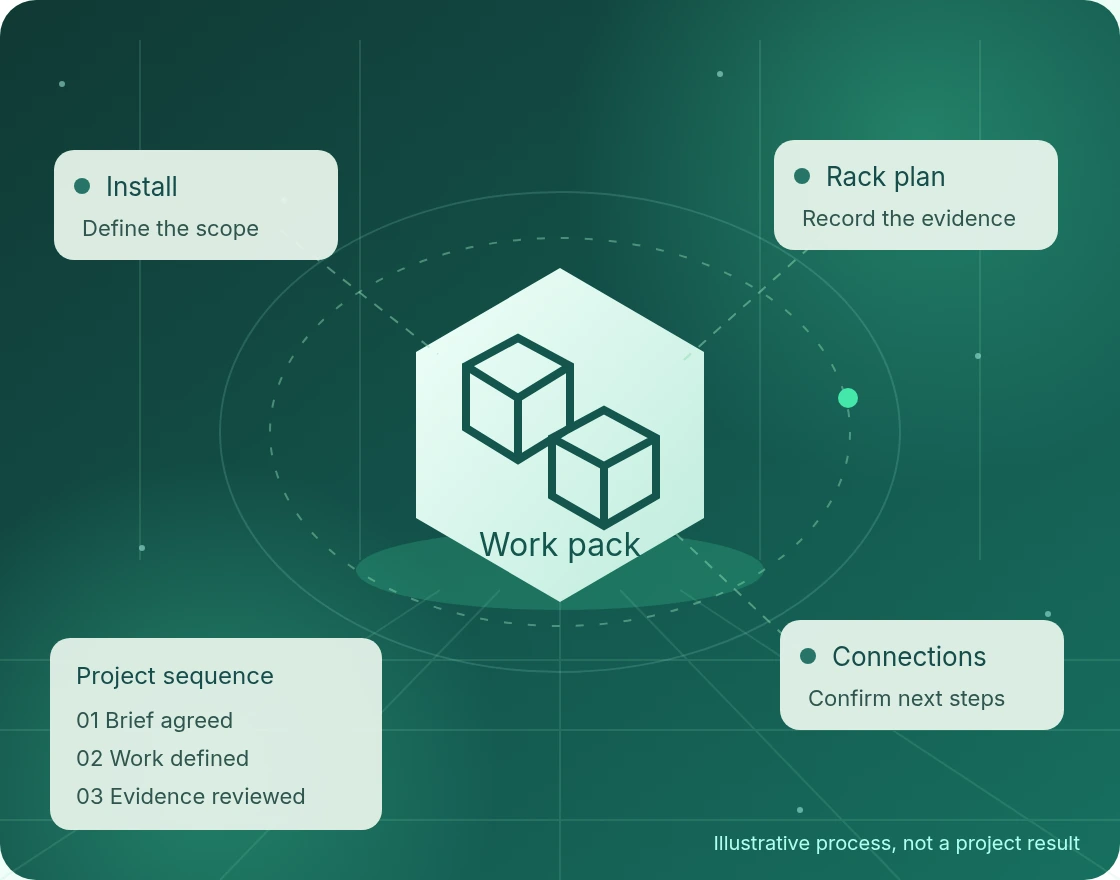
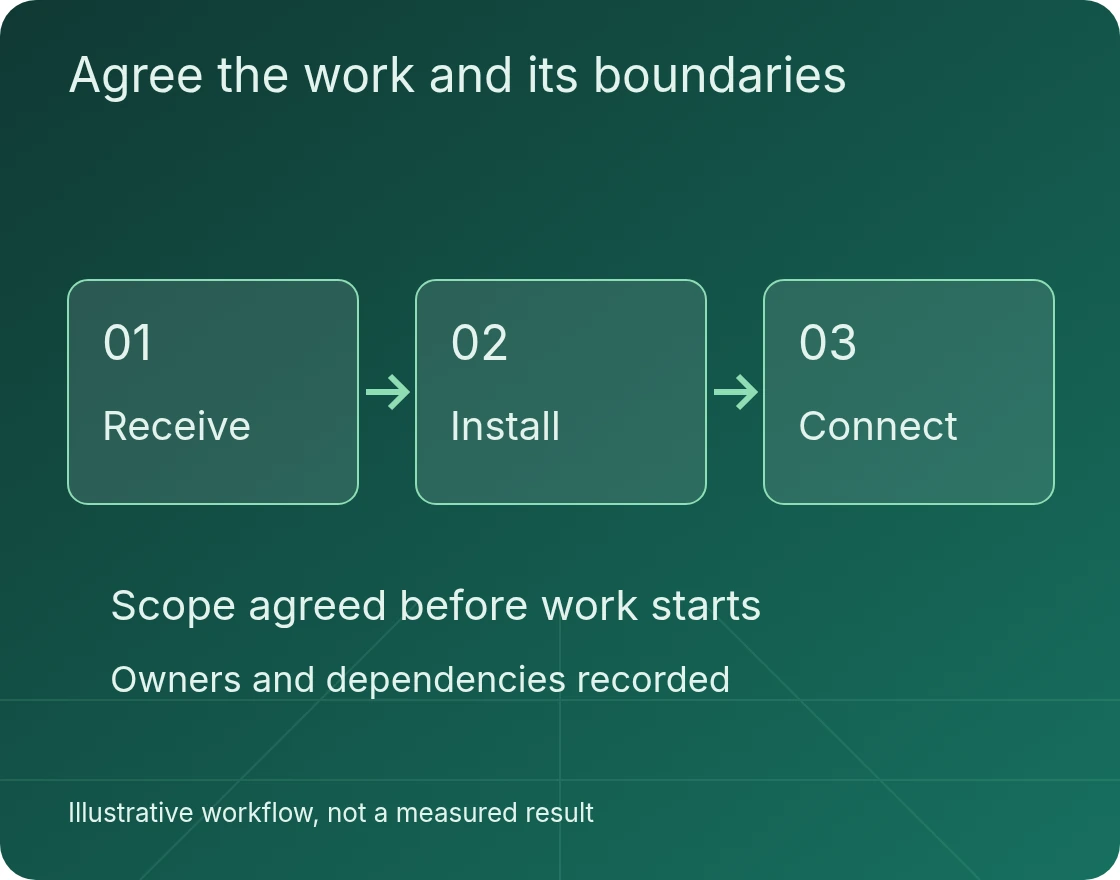
For a Manchester project, share the location and requirements with Global ITN. Scope, delivery arrangements, access and timing are confirmed before any work is agreed. The brief should identify what must happen on site and what your own technical team will retain.
- DefineSite, equipment and operational requirements.
- AgreeResponsibilities, access and acceptance checks.
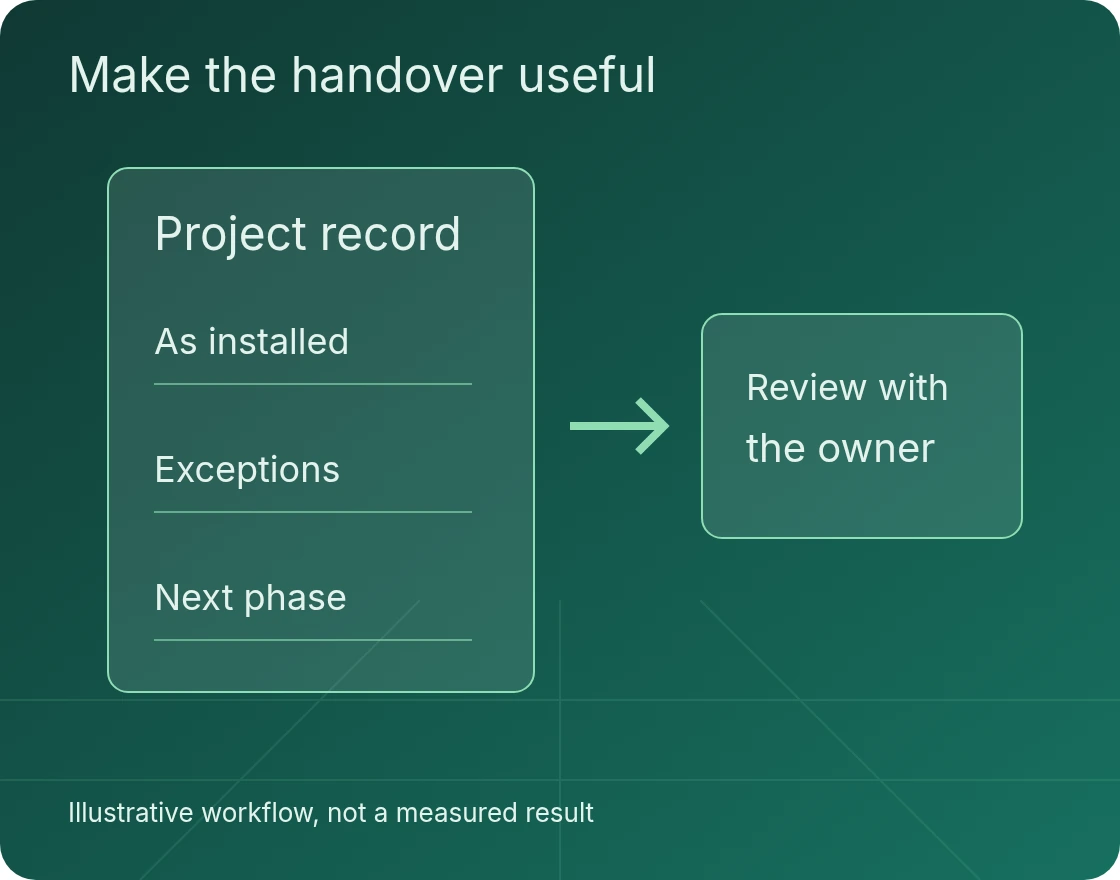
- RecordFindings, exceptions and the next actions.
Prepare an installation pack a second team can follow
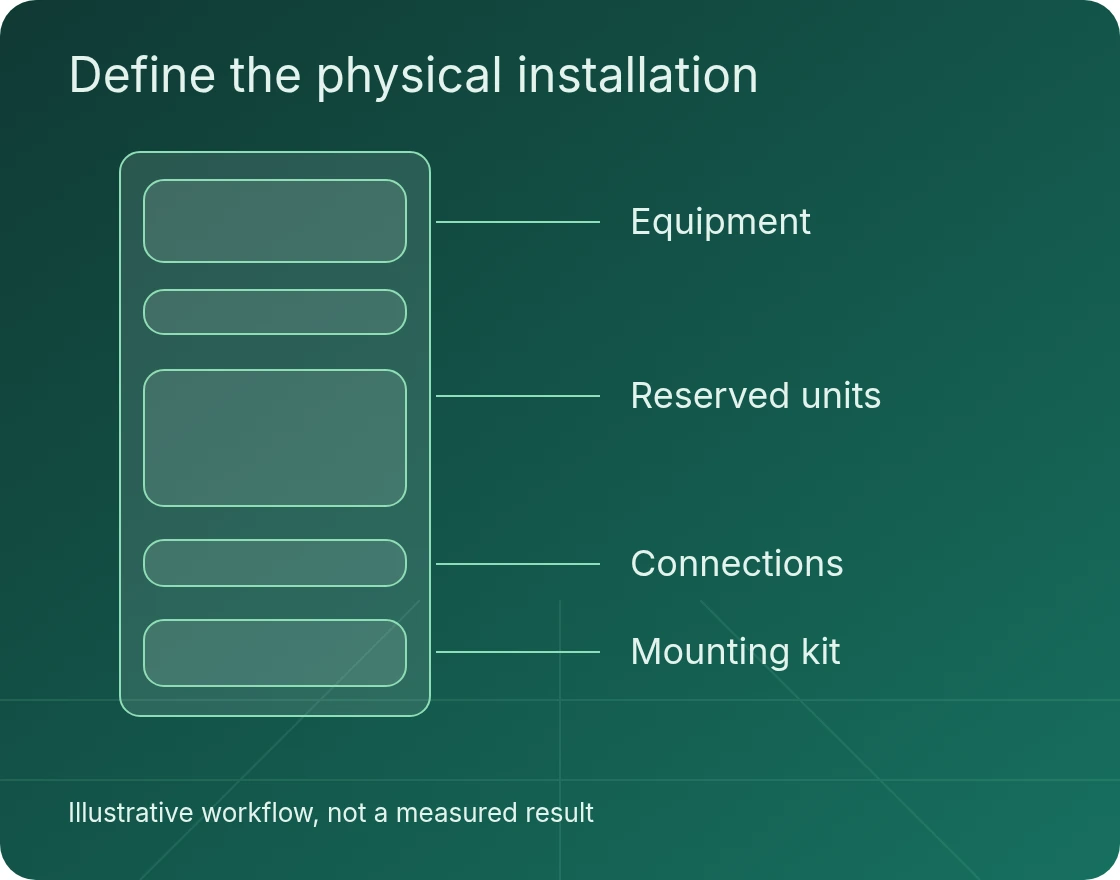
For a Manchester rack-and-stack request, start with the equipment schedule, rack elevation and manufacturer mounting instructions. Identify each device, its assigned position and the required rails or fittings. Include the power and port schedules rather than relying on instructions passed between people on the day.
Name the technical owner who can resolve a discrepancy. If a supplied device, rack position or connection differs from the approved pack, the installation team needs an escalation route, not discretion to redesign the environment.
As an equipment-manufacturer example, Dell provides server-specific rail installation instructions and a rail sizing and rack compatibility matrix.
Assign the physical and logical work separately
Physical mounting, cable placement and labelling are not the same as operating-system installation or network configuration. State which team owns each task. Remote configuration also needs an agreed access method and an authorised person able to confirm the result.
Facility power capacity, cooling and circuit design stay with the designated facility authority. Confirm readiness through that authority before scheduling the installation, rather than treating equipment arrival as permission to begin.
Make remote acceptance specific
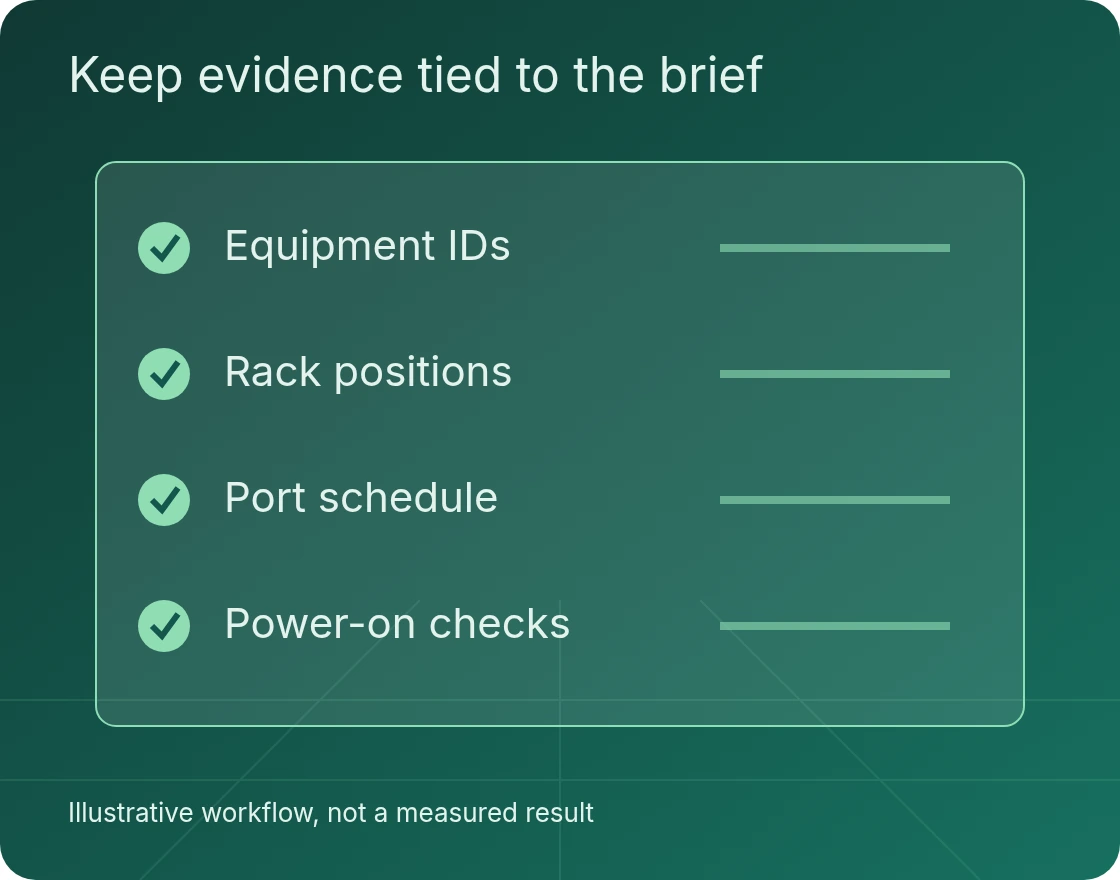
Agree the records your remote team needs: serial numbers, rack-unit positions, cable labels, port assignments and the defined connection checks. Photographs are only included where the facility permits them and the customer’s information-handling rules allow them.
A powered device is not necessarily an accepted service. Separate physical completion from logical commissioning and application validation. Record open actions and their owners at the handover so completion is not overstated.
Confirm site access before the work window
Supply the facility address, access procedures, delivery status, escort requirements and permitted working window. Attendance and delivery arrangements are confirmed for the specific site before commitment. Resolve any missing approvals or prerequisites before the installation date.
If the requirement includes moving equipment between facilities, it becomes a broader relocation project with shutdown, transport and recommissioning responsibilities. Keep that scope distinct from installation into a prepared rack.
Bring a brief the delivery team can use
Incomplete information can be identified during scoping. Do not treat an assumption as a confirmed site condition.
- The equipmentDevice list, dimensions, weights and manufacturer mounting requirements.
- The rackApproved rack elevation, reserved units and mounting hardware.
- The connectionsPower and port schedules, cable routes and labelling requirements.
- The work windowArrival status, facility approvals, technical owner and acceptance record.
Questions before you book the work
Does rack-and-stack include configuration?
Not automatically. Physical mounting, agreed cabling and installation checks are separate from firmware, operating-system, network and application configuration. Name the owner and acceptance test for each activity.
What do you need to assess the request?
Send the facility location, equipment list, rack elevation, mounting requirements, power and port schedules, arrival status, access window and required handover format. Delivery arrangements and project scope are confirmed before commitment.
Does the service include transport or storage?
Transport, insurance, receiving, staging, storage and disposal must be assigned explicitly. Do not assume they are included in a physical installation request.
Can work proceed if the plan does not match the site?
A discrepancy should be recorded and referred to the authorised customer or facility decision-maker. Changes to rack positions, power sources or port assignments need approval before proceeding.
Discuss your Manchester project
Send the equipment schedule, facility location, rack plan and required installation window. We can discuss the brief and confirm whether the requested delivery arrangements can be offered before a commitment is made.