
Scope the project before committing to site work
Rack-and-stack engineers for Leeds projects
Add equipment without consuming the next project’s space
A Leeds rack expansion needs a current equipment plan and a clear boundary around the capacity assigned to this installation. Reserved units, connections and readiness belong in the work pack.
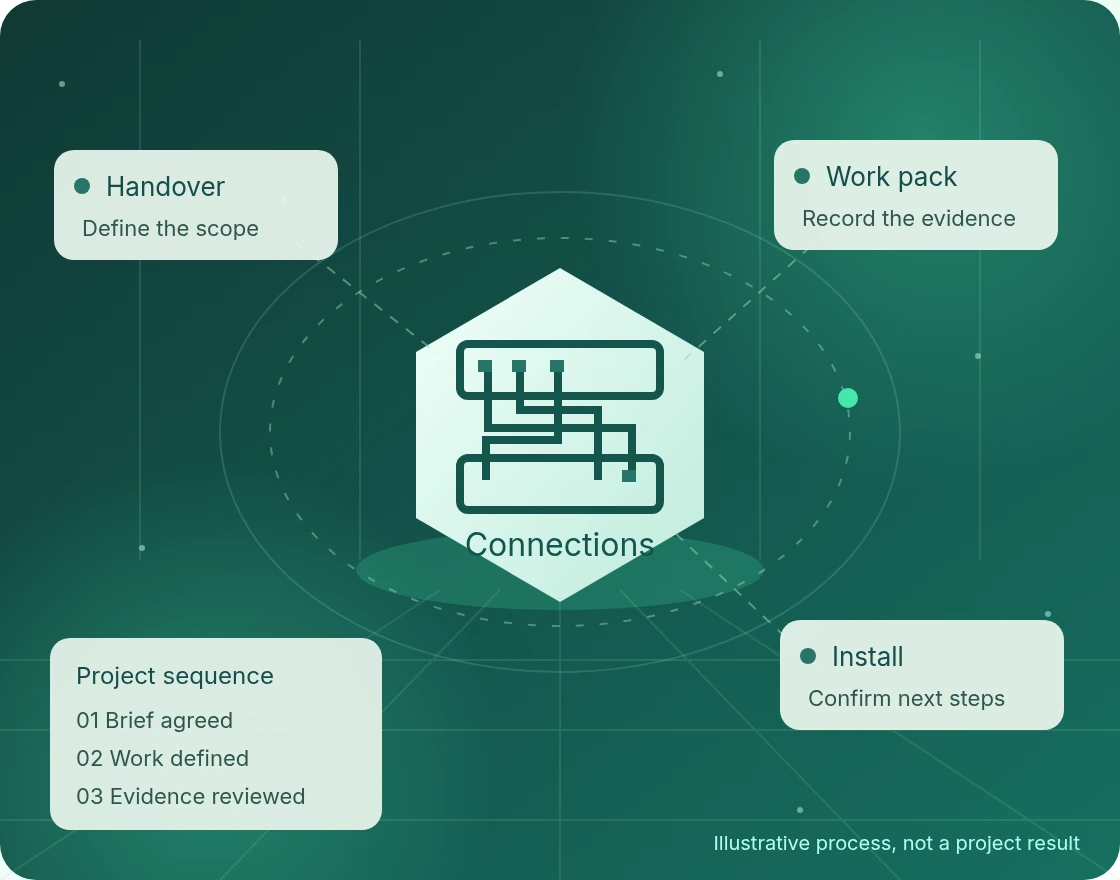
Scope the project before committing to site work
For a Leeds project, share the location and requirements with Global ITN. Scope, delivery arrangements, access and timing are confirmed before any work is agreed. The brief should identify what must happen on site and what your own technical team will retain.
- DefineSite, equipment and operational requirements.
- AgreeResponsibilities, access and acceptance checks.
- RecordFindings, exceptions and the next actions.
Identify what is being added now
Start with the devices assigned to the installation, including dimensions, weights and manufacturer mounting requirements. Mark the approved rack-unit positions and distinguish available space from space already reserved for another project. An empty-looking unit is not necessarily available for use.
For a Leeds expansion request, include the current rack elevation and the customer owner who can approve a discrepancy. The installation workstream should follow the agreed allocation, not infer permission to rearrange existing equipment when a supplied device does not fit.
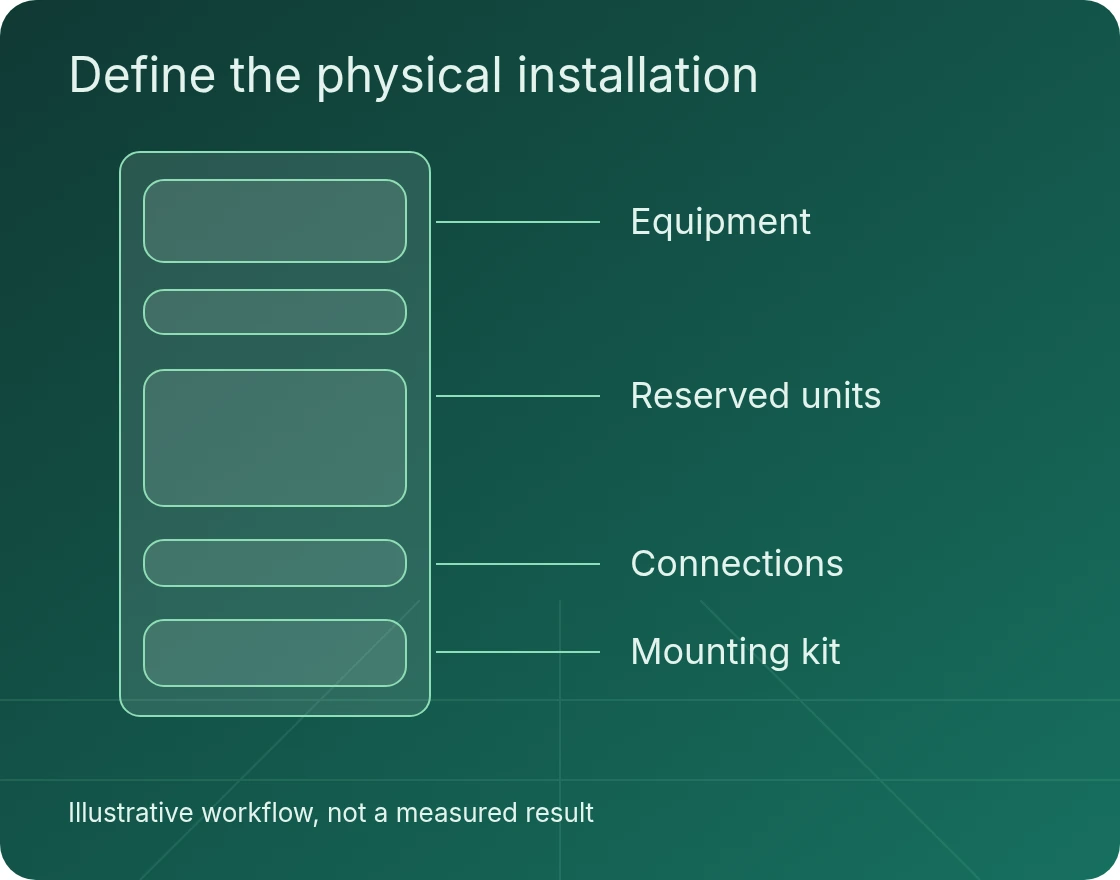
Confirm the rack is ready for the assigned work
List the required rails, fittings, cables and handling arrangements. The responsible facility authority confirms power, cooling and safe access; the physical installation scope does not prove spare electrical or cooling capacity. Missing readiness information should remain an open prerequisite.
Agree cable routes, labels and the exact endpoints permitted for this phase. Additional equipment may depend on a separate switching or power task. Assign that dependency to its owner before the window is committed, rather than treating it as an installer decision on the day.
As an equipment-manufacturer example, Dell provides server-specific rail installation instructions and a rail sizing and rack compatibility matrix.
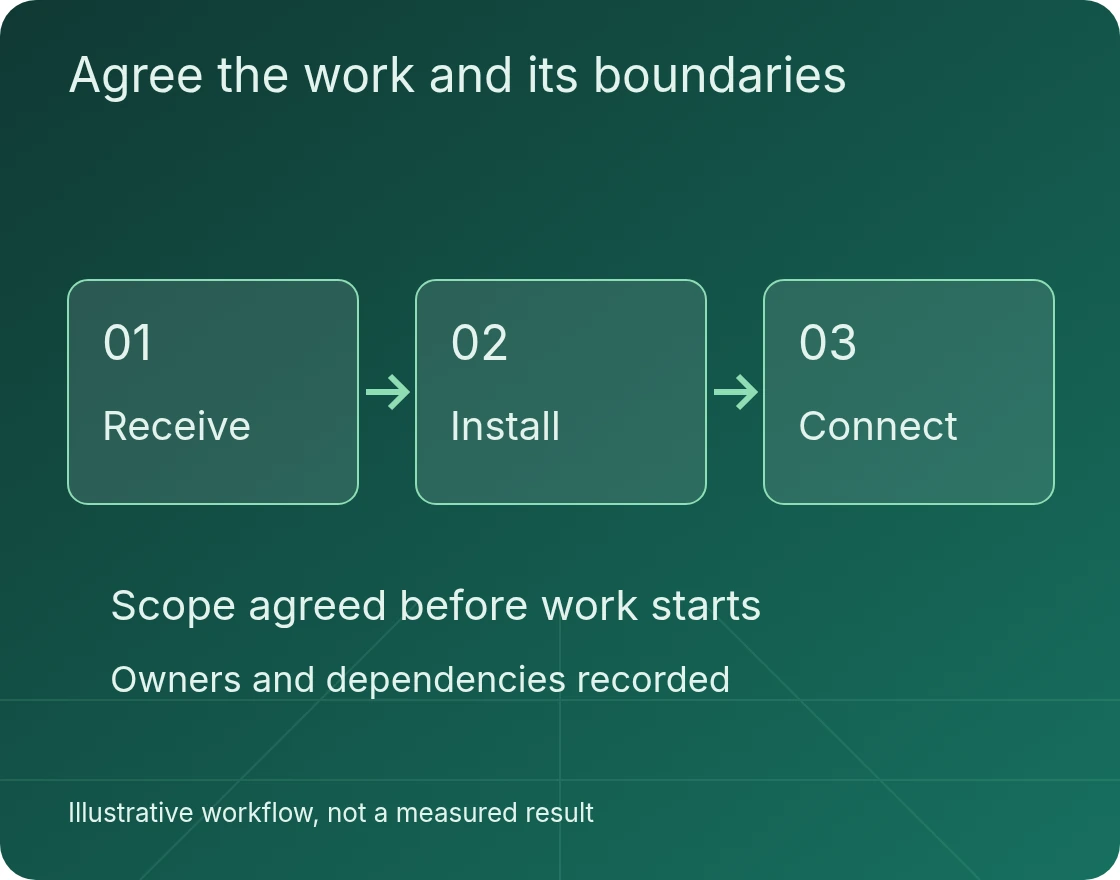
Keep installation and commissioning distinct
Define the physical mounting, connection and inspection checks included in the work. Firmware, operating-system installation, network configuration and application validation are different activities. Name the team that owns each one and the evidence needed to move between stages.
If an equipment or site detail differs from the approved pack, record the exception and obtain direction from the authorised decision-maker. The work should not expand into redesigning a rack or altering a live connection merely to keep the original schedule.
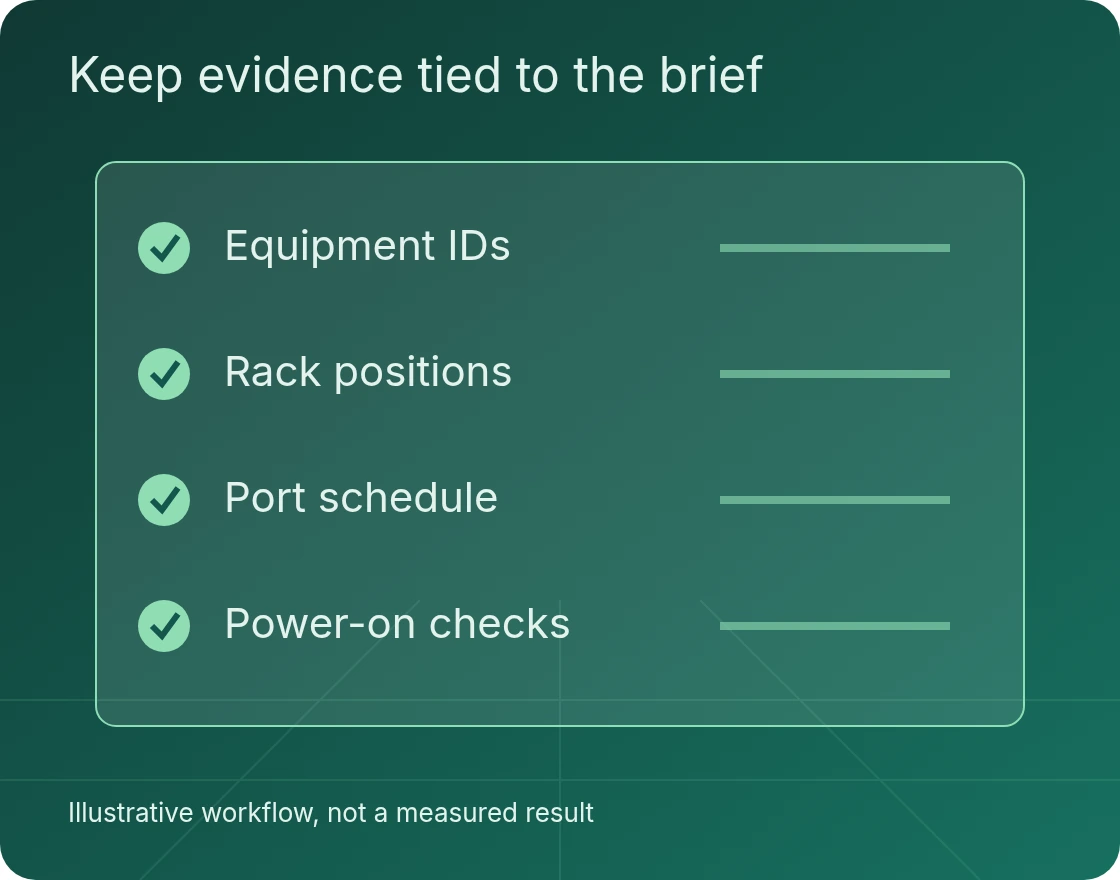
Leave the capacity record accurate
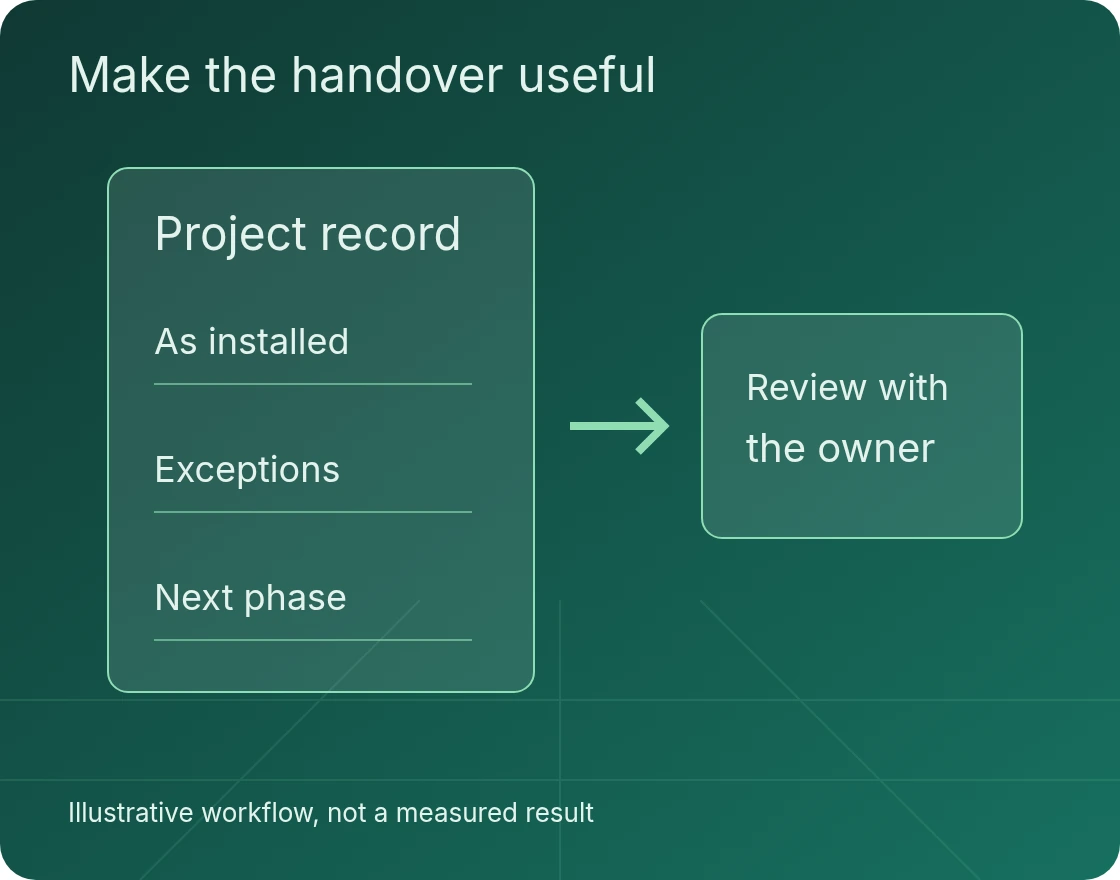
Update the rack and asset record to show the installation as performed, including approved changes and incomplete items. Keep equipment identifiers, positions and agreed connection details together so the next team can understand what occupies the rack.
Preserve any allocation for future phases and identify restrictions affecting later work. The completed record is evidence of this installation, not approval for a different set of devices. A later phase still needs its own equipment, readiness and acceptance review.
Bring a brief the delivery team can use
Incomplete information can be identified during scoping. Do not treat an assumption as a confirmed site condition.
- The equipmentDevice list, dimensions, weights and manufacturer mounting requirements.
- The rackApproved rack elevation, reserved units and mounting hardware.
- The connectionsPower and port schedules, cable routes and labelling requirements.
- The work windowArrival status, facility approvals, technical owner and acceptance record.
Questions before you book the work
Does visible rack space mean equipment can be added?
No. Rack allocation, dimensions, mounting, power, cooling, access and other dependencies need confirmation from the responsible owners. Physical space is only one prerequisite.
Can an existing device be moved to make room?
Only where the relocation and its dependencies are explicitly authorised. Do not assume a rack-and-stack request permits rearranging equipment or disconnecting live services.
What should the handover show?
The installed equipment, rack positions, agreed checks, connection record and open exceptions, with a separate owner for any remaining commissioning work.
Discuss your Leeds project
Send the equipment schedule, facility location, rack plan and required installation window. We can discuss the brief and confirm whether the requested delivery arrangements can be offered before a commitment is made.