
Cisco Meraki Wi-Fi survey Liverpool
Make the MR deployment assumptions testable
A Cisco Meraki Wi-Fi survey brief for Liverpool should connect the proposed MR access points, physical layout and client requirements with a clear acceptance plan. Start with predictive design for a proposed layout, onsite checks for the real environment, or validation of an installed network. Share the project details with Global ITN to discuss scope and delivery arrangements before any commitment. Dashboard views can help describe the network, but a client-location heatmap is not a measured coverage survey.
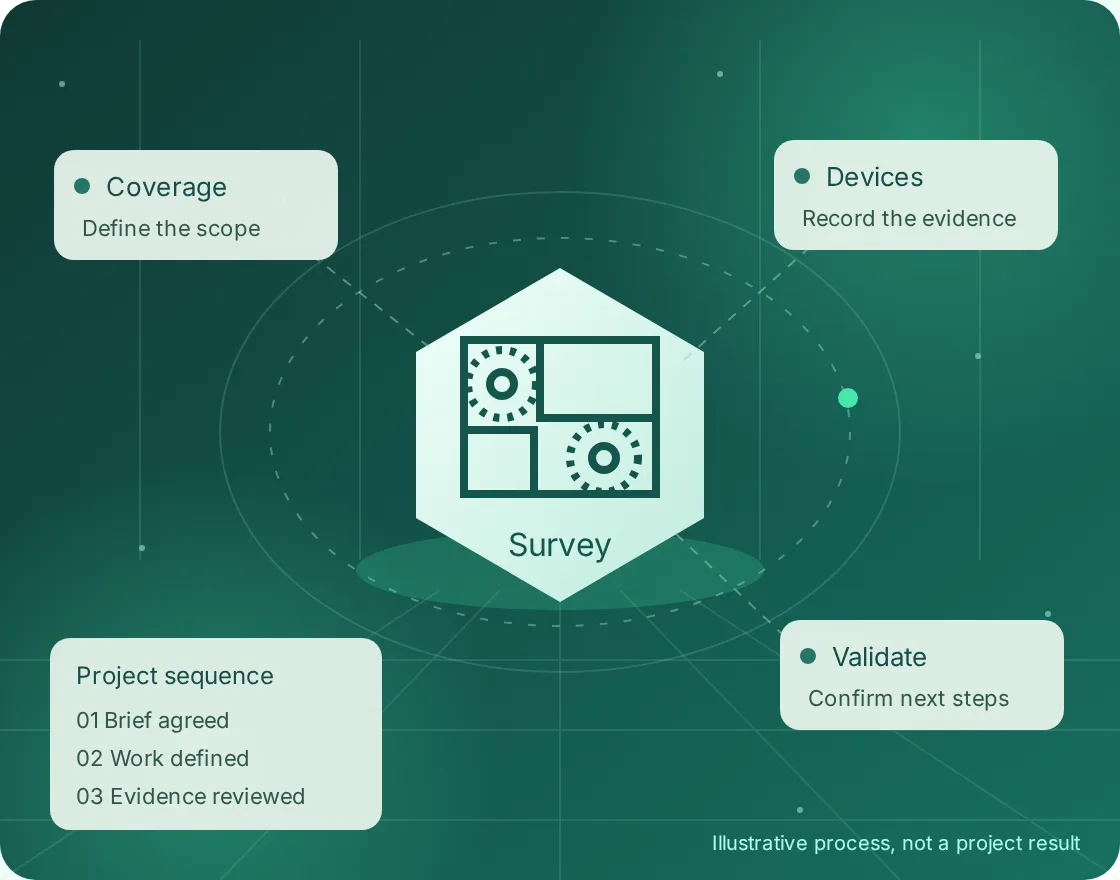
Keep design, configuration and validation distinct
This brief is for a planned or existing Cisco Meraki MR deployment, rather than a vendor-neutral hardware decision. Capture the intended access-point models, antenna arrangements, mounting positions and radio assumptions. Identify the Dashboard administrator and the person authorised to approve changes. Survey work, configuration changes, implementation and ongoing management need clear boundaries before access or site work is arranged.
- DefineSite, equipment and operational requirements.
- AgreeResponsibilities, access and acceptance checks.
- RecordFindings, exceptions and the next actions.
Build the predictive design around the intended MR deployment
Provide a scaled floor plan and the actual or proposed MR model for each area. Record wall and floor construction, ceiling height, mounting orientation and any external antenna details. A model based on a different access point or an uncertain plan should be identified as an assumption, not presented as an exact prediction of the finished installation.
Define the client population and applications before using a coverage plot to select quantities. Note meeting-room occupancy, collaboration spaces and routes used by people moving between areas. The design should explain the intended test conditions and where physical checks are still needed, especially when a refit will change partitions, cable routes or access-point positions.
For a Liverpool office, use the current floor and room layout rather than an area-wide assumption. Speke and Garston include many businesses, as the council records, but that does not establish the RF conditions at an individual site. Confirm access to the relevant premises, building permissions and what can be inspected during occupied hours.

Prepare onsite MR survey work without disrupting production
Cisco Meraki documents a dedicated MR site-survey mode that broadcasts a survey SSID. The documented mode can support survey work without an ongoing internet connection, subject to the device preparation and configuration requirements. Confirm the model and firmware requirements against current vendor guidance rather than copying a setup sequence from an unrelated installation.
The same vendor guidance states that an access point in site-survey mode no longer serves normal wireless client connectivity. A production MR must not be switched into that mode casually. Agree whether a separate survey device is needed, who owns the configuration and whether any service-affecting activity requires a change window and rollback plan.
Record the radio bands, channel width, transmit-power assumptions and intended placement used for the checks. These details make results interpretable when the final deployment differs from the temporary survey arrangement. Credentials and administrative permissions should be handled through the agreed access process, not included in an open project brief.
Distinguish Dashboard heatmaps from coverage evidence
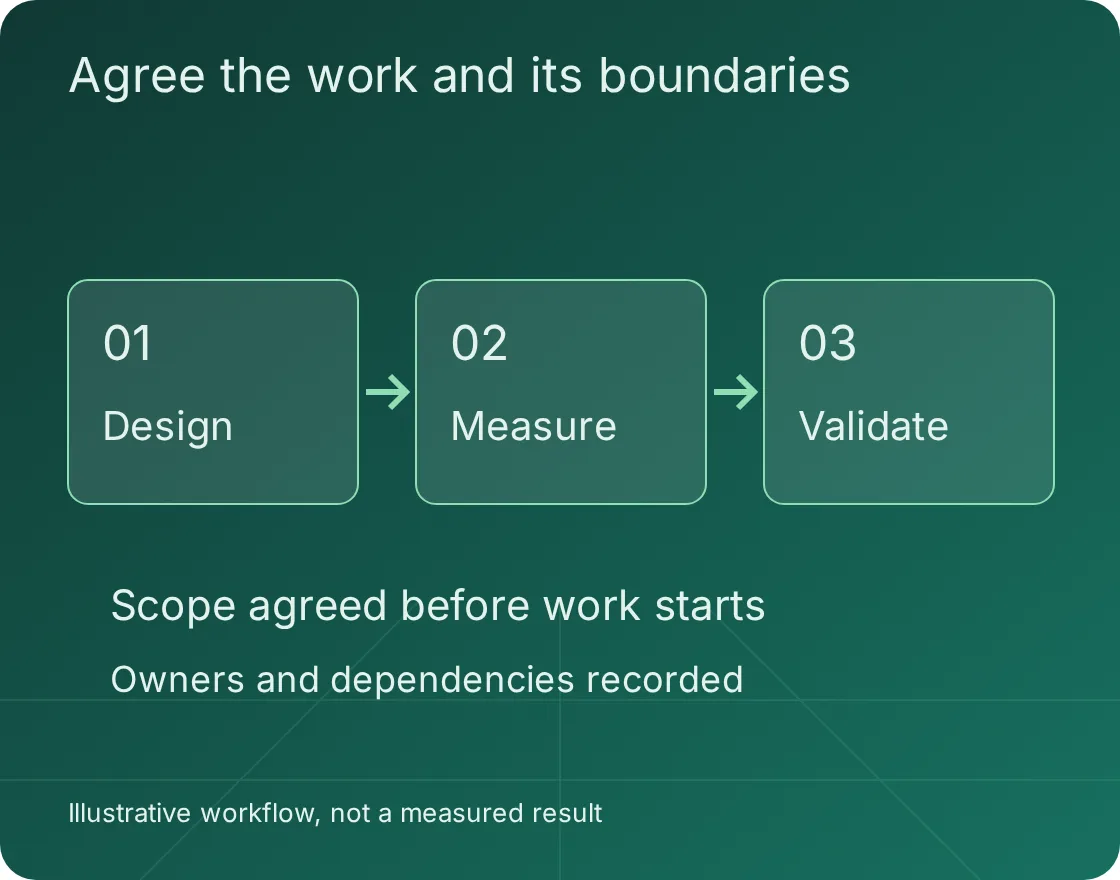
Keep the purpose of each visual clear. Cisco Meraki describes the Dashboard location heatmap as aggregated client-location information, not an exact real-time representation of where devices are. It does not, by itself, show that every required work area has passed an RF coverage or application acceptance test.
An uploaded floor plan, access-point positions and Dashboard observations can provide useful context. Record the source and time of any export and make clear whether a graphic is predicted coverage, a measured survey result or client-location information. Avoid presenting different kinds of heatmap as interchangeable evidence.
For an existing installation, combine the problem description with the agreed onsite test plan. Identify which MR and client details the administrator can provide, which rooms need examination and what a moving user needs to do successfully. Keep configuration observations separate from permission to change the network.
Validate the installed network against an agreed brief
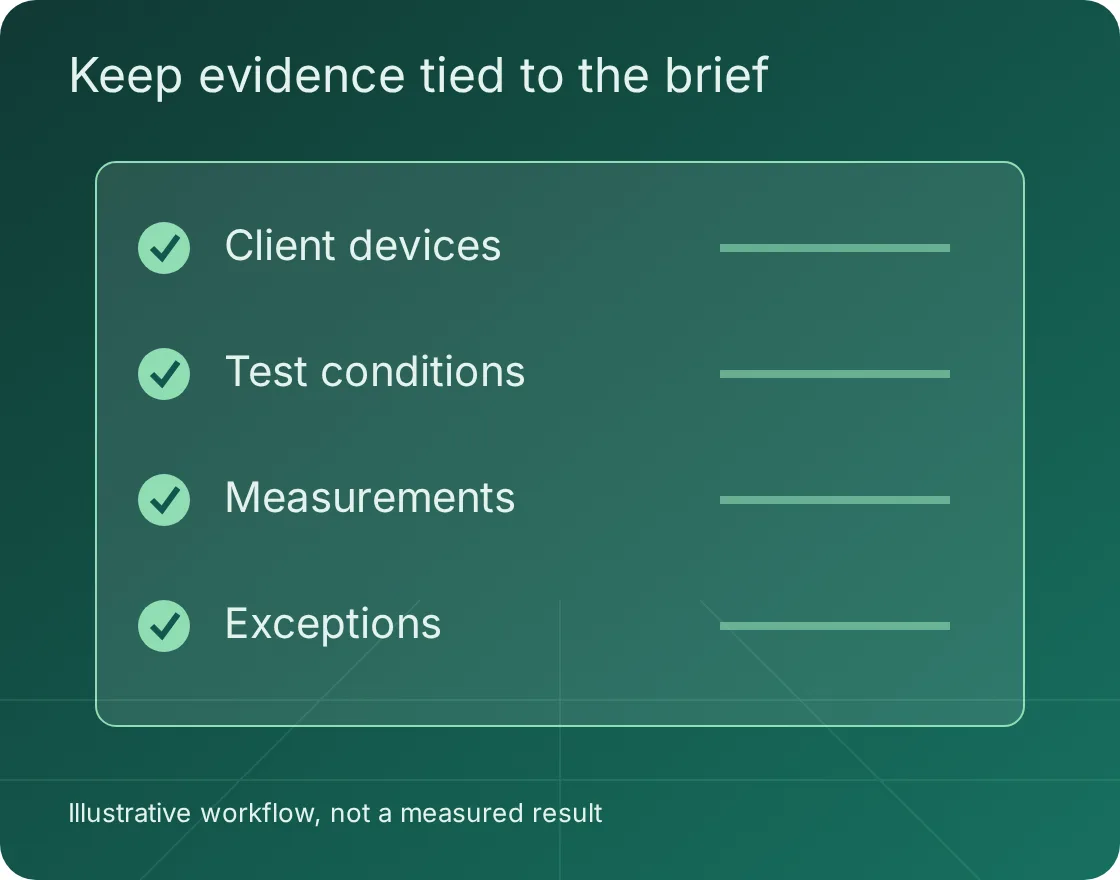
After installation, compare the actual access-point positions and configuration assumptions with the approved design. Record substitutions, inaccessible locations and changes made during fit-out. A validation survey should answer whether the deployed network meets the agreed requirements, rather than simply confirm that the access points appear online in Dashboard.
Agree the device types, applications, occupied areas and movement routes to test. Signal measurements need context, and an acceptable result for one application or client should not automatically become a promise for every device. Record exceptions and upstream dependencies, including switching, cabling, authentication or internet connectivity, with owners for follow-up.
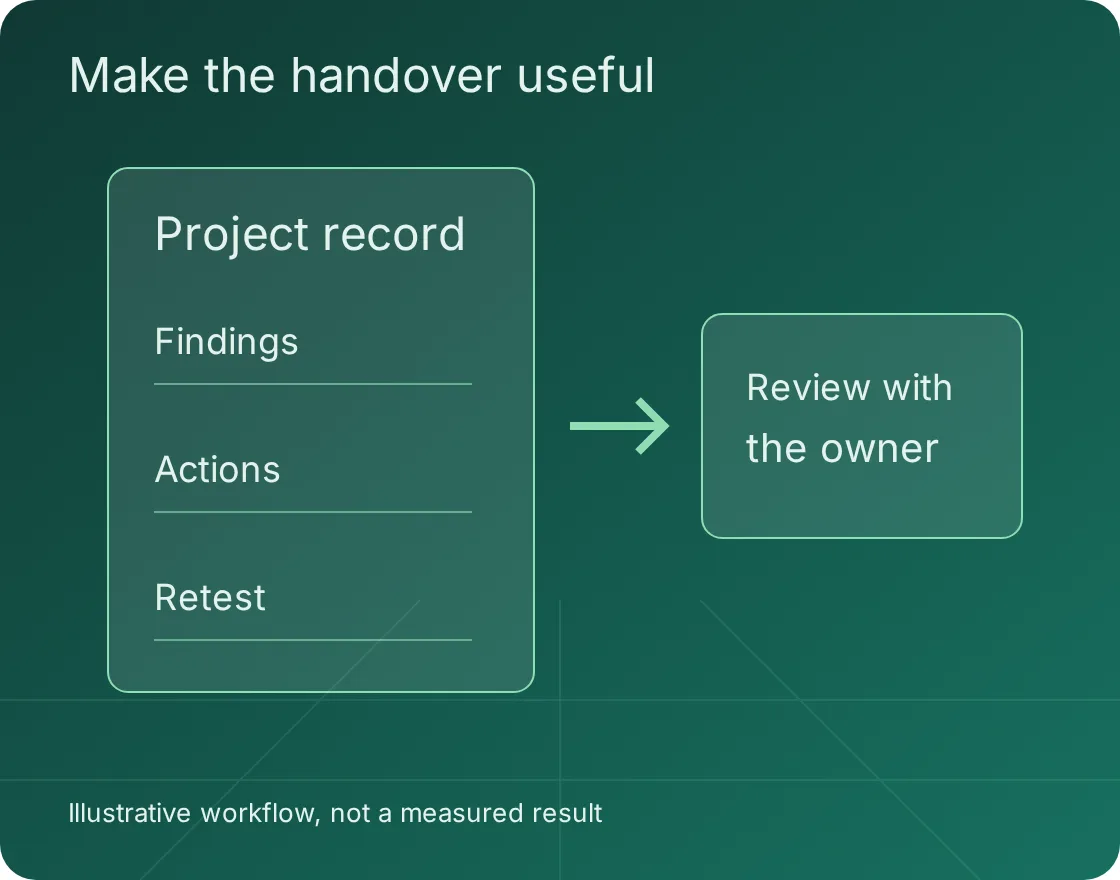
Use the handover to decide whether the next step is a placement change, configuration review, cabling work, another test or no change. Implementation and ongoing Meraki management are separate scopes unless explicitly agreed. For a vendor-neutral Liverpool requirement, begin with the general Wi-Fi survey brief; Manchester provides a separate example of requirement-led survey planning.
Prepare an MR-specific handover brief
Keep the deployment facts, design assumptions and change permissions in separate parts of the brief.
- The MR deploymentModels, antennas, firmware, locations and proposed mounting arrangements.
- The design inputsScaled plans, construction details, applications and client population.
- The access boundaryDashboard owner, authorised changes, escort needs and change windows.
- The evidencePredictions, measurements, configuration context, exceptions and acceptance checks.
Questions before you agree the work
Is a Dashboard location heatmap enough to validate Wi-Fi?
No. Cisco Meraki describes it as aggregated client-location information. It is not interchangeable with a measured coverage survey or application tests against agreed acceptance criteria. Identify the purpose and source of each graphic in the report.
Can an existing access point be used in survey mode?
The vendor documents MR site-survey mode, with model, firmware and preparation considerations. It also states that the access point cannot serve normal clients in that mode. Any use of a production device needs an approved plan rather than an assumed configuration change.
Does this enquiry include licences or ongoing Dashboard management?
Do not assume that hardware, licences, implementation or ongoing management are included. The scoping discussion should identify the requested work, the administrator, the outputs and the responsibilities that remain with your own team or supplier.
Discuss your Liverpool Meraki survey brief
Share the floor plan, MR models, project stage and the question the survey needs to answer. Global ITN can discuss the requirements and confirm whether the requested delivery arrangements can be offered before work is agreed.