
Scope the project before committing to site work
Wi-Fi surveys in Manchester
Plan an office network around how people work
Opening an office, changing the floor plan or replacing access points? Define the wireless requirements before choosing the hardware.
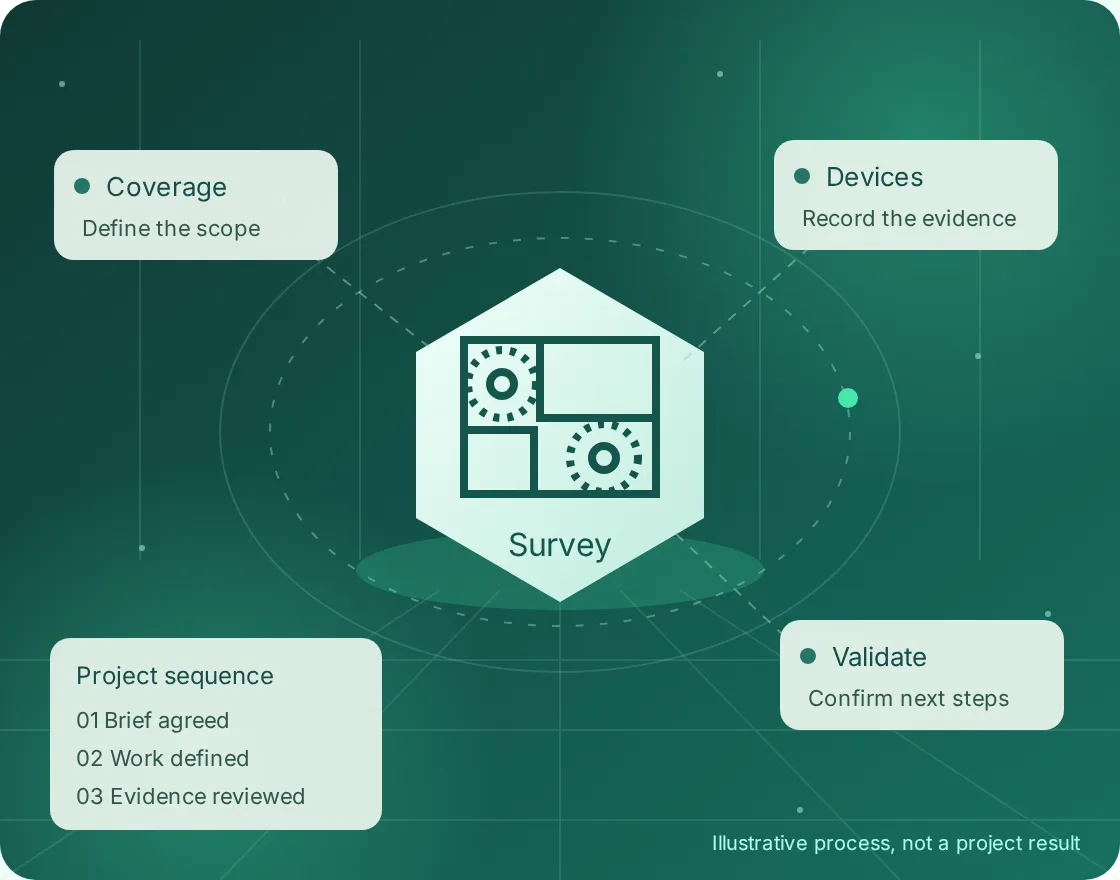
Scope the project before committing to site work
For a Manchester project, share the location and requirements with Global ITN. Scope, delivery arrangements, access and timing are confirmed before any work is agreed. The brief should identify what must happen on site and what your own technical team will retain.
- DefineSite, equipment and operational requirements.
- AgreeResponsibilities, access and acceptance checks.
- RecordFindings, exceptions and the next actions.
Start with the floor plan, not the access-point count
A floor plan is the beginning of a survey brief, not a finished wireless design. Identify meeting rooms, desks, collaboration areas and spaces that need continuous coverage. Note ceiling heights, construction materials and any restrictions on cable routes or mounting.
For an occupied Manchester office, separate complaints by place, time and application. A dropped call in a meeting room is a different test from slow guest browsing. The brief should state which experience needs improving and which devices will be used to accept the result.

Choose a survey that matches the project stage
For a new layout, a predictive design models the intended access-point positions against the supplied building information. Record its assumptions, including walls and occupancy. Before hardware is ordered, identify anything that still needs a physical inspection.
For an existing installation, measured coverage and performance checks can test the current environment. A validation visit after installation answers a different question: whether the deployed network meets the agreed requirements, rather than whether the original drawing looked reasonable.
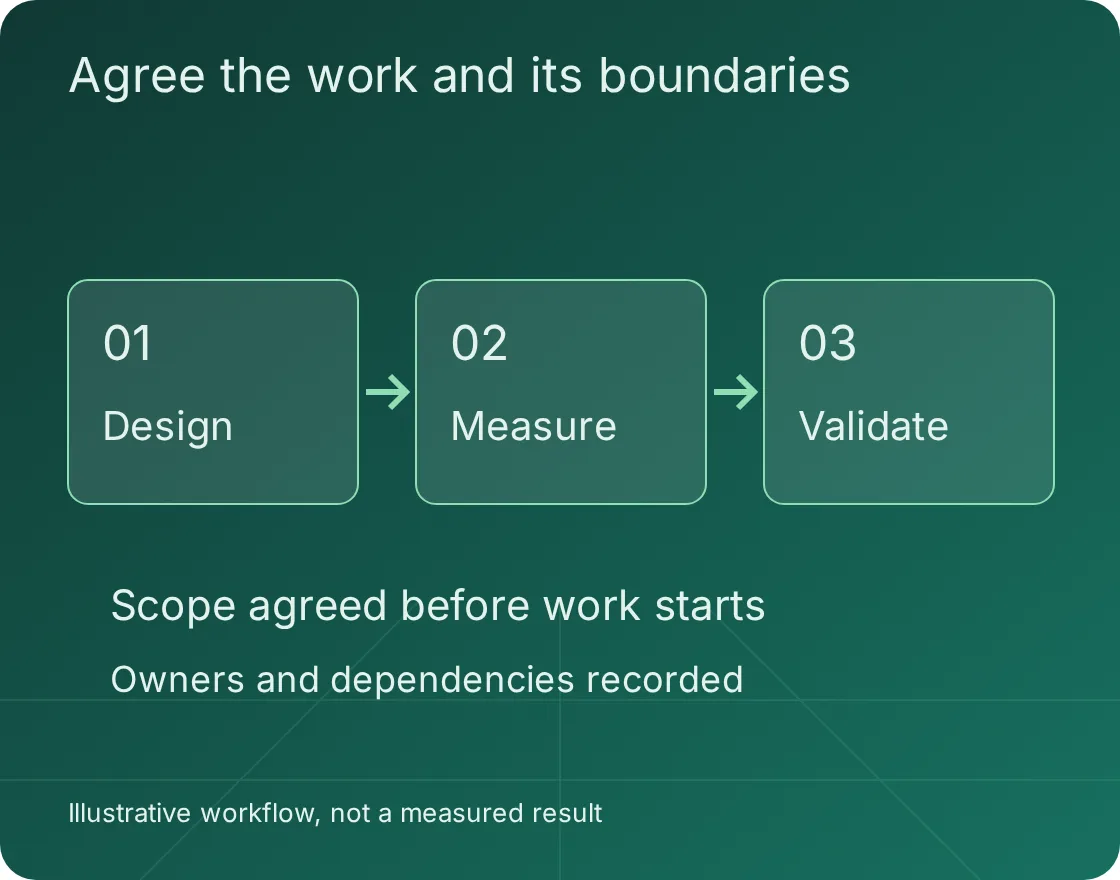
Make meeting-room and roaming tests explicit
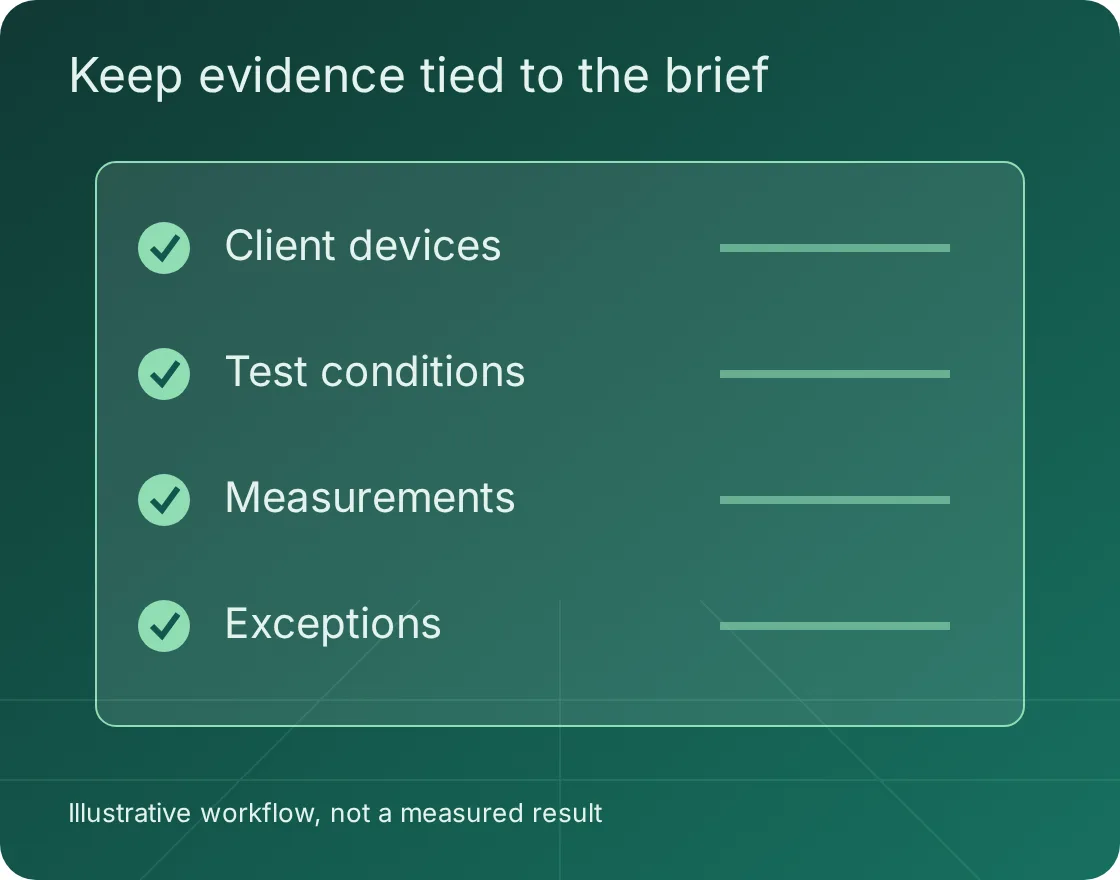
List the applications that matter, the client device types and the route a moving user takes. Coverage plots alone do not establish that a voice or video application behaves acceptably. Agree the relevant measurements and test conditions with the technical owner.
Separate wireless findings from upstream constraints. Internet bandwidth, switching, authentication and application performance can affect the user experience. A useful report records those dependencies rather than attributing every symptom to weak signal.
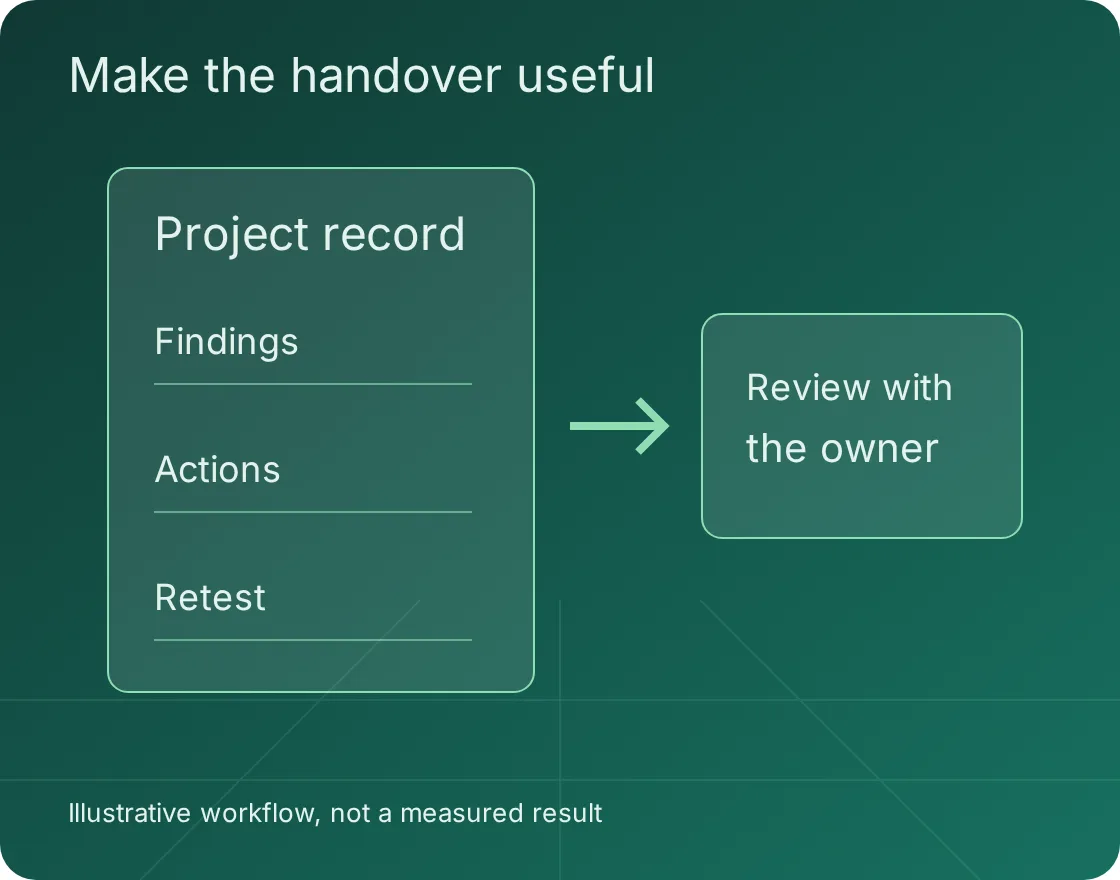
Use the report to make a purchase decision
The handover should distinguish existing measurements, proposed changes and assumptions that need checking. Ask for a prioritised action list and enough context to understand why moving an access point, adjusting its configuration or adding a cable is recommended.
Keep the approved survey brief beside the final findings. If the office layout or device population changes, the team can see which assumptions no longer apply. Network implementation and subsequent support can then be scoped as separate work.
Bring a brief the delivery team can use
Incomplete information can be identified during scoping. Do not treat an assumption as a confirmed site condition.
- The buildingFloor plans, layouts, access restrictions and project stage.
- The users and devicesApplications, client devices, movement paths and problem reports.
- The decisionDesign, diagnosis, refresh or acceptance of a finished installation.
- The outputRequired report format, test conditions, actions and owners.
Questions before you book the work
Can the survey happen before the office is fitted out?
A predictive design can use the proposed layout, but it remains dependent on accurate building information. Physical validation after installation is a separate stage, especially where materials or mounting positions change.
Do we need to replace every access point?
Not necessarily. The findings may point to placement, configuration, cabling, interference or capacity. Hardware replacement should follow the evidence and the agreed application requirements.
Can we keep our current network supplier?
The brief can identify the roles of your incumbent supplier, internal team and survey workstream. Agree who can approve changes and who owns implementation before scheduling work.
Discuss your Manchester project
Send the floor plans, device requirements and the decision the survey needs to support. We can discuss the brief and confirm whether the requested delivery arrangements can be offered before a commitment is made.